Setlists and Gigs for Bands - a 2026 Guide
Updated 25 October 2026. Disclosure: written by the BandSharp team. It describes what to check in any band app, and how BandSharp answers each point.
The four problems that actually happen
- No signal in the rehearsal room, chords in the cloud. Check whether the tool stores your material on the device or only displays it.
- The printed setlist doesn't survive the night. Everyone holds their own copy of the list. Check whether one player changing song moves everyone, without a network.
- The guitarist who uploaded everything leaves. Whose material is it? Check what happens to the songs.
- A sub for one gig. They need tonight's list. A lifetime account and access to everything the band ever did is more than they need.
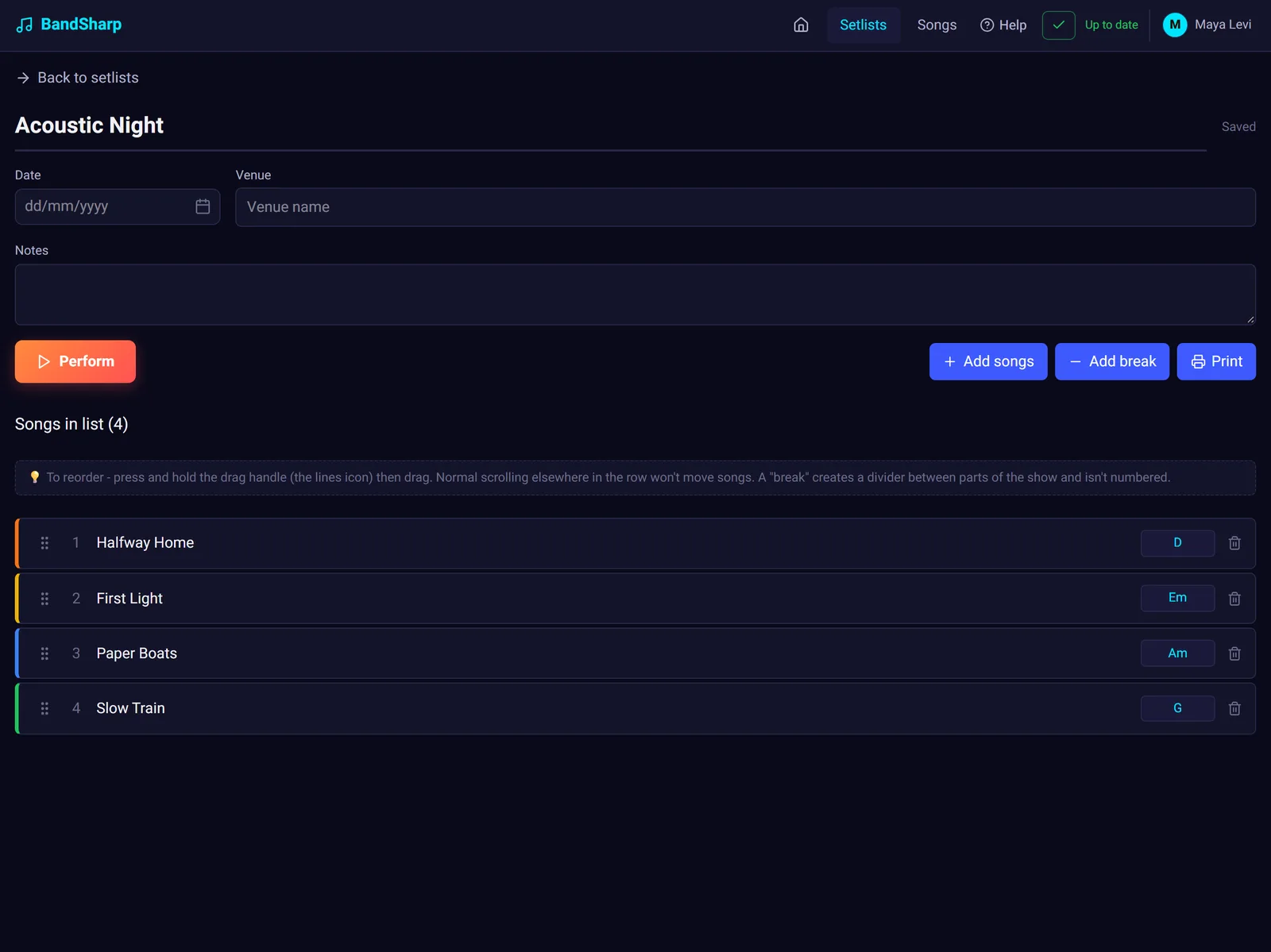
What to look for, in order
Works offline · one library per band · transposition that respects a personal version · a real performance mode · a defined answer to "what happens when someone leaves". The app store is left off the list on purpose: it is a trade-off between two routes, so it sits in the table.
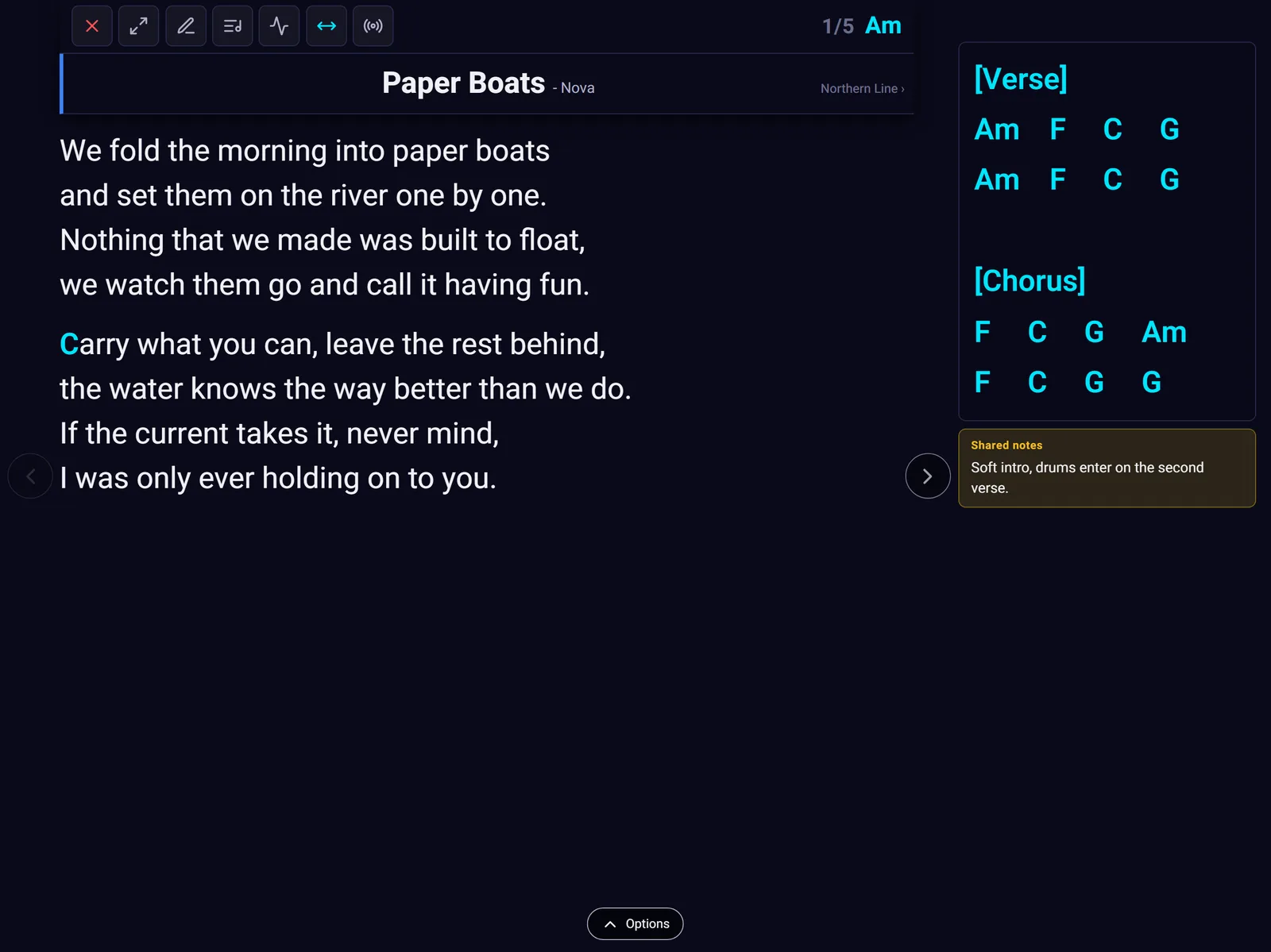
What to ask any tool, and what BandSharp gives you
| What to ask any tool | BandSharp | |
|---|---|---|
| Platforms | Which devices it runs on, and whether it needs an app store | Web / PWA in any browser: Android, iPad, iPhone, Windows, Mac, Chromebook; added to the home screen |
| Offline | Whether material is stored on the device or only viewable | Stored on the device, syncs when the network returns |
| Shared band library | One library for the band, or a personal library per player | Lyrics, chords and notes for the whole band |
| Transposition | Whether a personal version leaves everyone else's chords alone | Band-wide or personal |
| ChordPro import | Whether a ready-made song in ChordPro format goes in by paste or file, with the chords in place | ChordPro import with a preview, and a chord editor for touch-ups |
| Signing in on a new device | How a tablet joins the account, and whether it works without typing a password on stage | Scan a QR code from the signed-in device; the code works once and lasts five minutes |
| Personal version per player | Whether each player keeps their own lyrics and chords while everyone else's library stays as it is | A personal version only that player sees, shown in performance mode in place of the shared one |
| Synced performance | When one player changes song, whether everyone does | One moves, everyone moves |
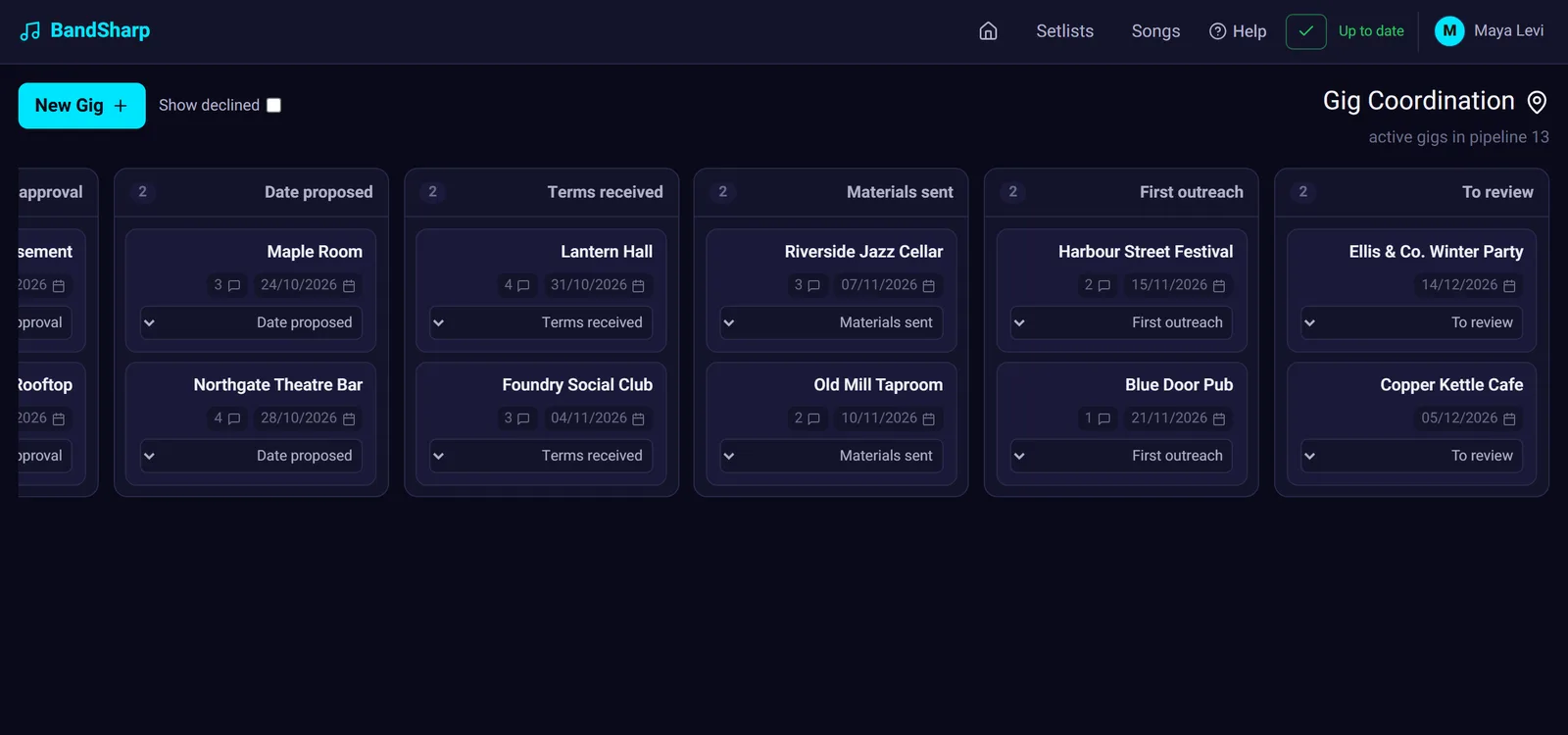
| Booking / gigs | Whether the same tool also runs enquiries and gigs | Venues, outreach, press kit |
| Recordings | Whether recordings play at an even volume | Normalised recordings |
| When a member leaves | Whose material it is, and what the band keeps | They keep their uploads; the band keeps a full copy |
| Sub / sound-engineer access | Whether a one-gig sub needs an account | View link, no account, device-locked, expiring |
| Languages | Which language the interface speaks, and whether each player chooses | Hebrew and English, per player |
| Free trial | How long, and whether payment details are needed | 90-day trial, no card |
| Price | Whether you pay per player or per band, and what happens as the band grows | Per band per year, by number of players - on the pricing page |
BandSharp's price is read from the price list and shown on the pricing page.
FAQ
Is there a band app in Hebrew? Yes. BandSharp publishes a Hebrew interface, and each player picks Hebrew or English for themselves.
Which setlist apps work offline? BandSharp stores material on the device and syncs later. Whatever you choose, ask whether material is stored or only viewable.
Do I need a store app for the stage? No. A PWA stored on the device works offline; store apps mostly add hardware (pedal, MIDI).